Friday, February 22, 2019

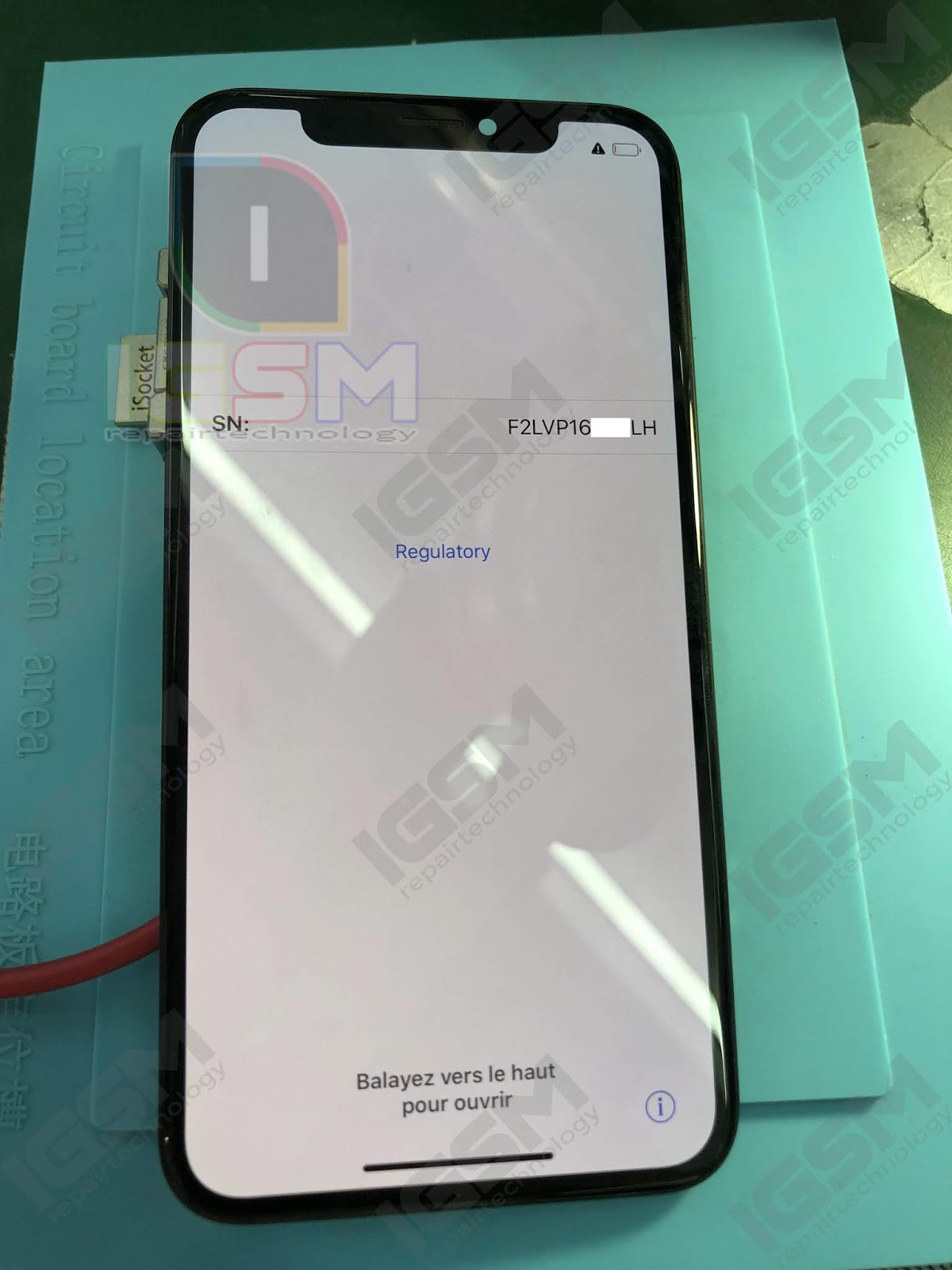
iPhone X No IMEI [DONE]

No IMEI/No Modem Firmware/Unable to activate

The modem firmware number shown in “About” means that there is baseband, if no modem firmware shown in “about” it means there is no baseband, do not insert SIM card and then access dial-up interface to input * # 06 # directly, under normal circumstances, IMEI serial number will be shown same as what you can find in “about” interface.In this iPhone, no IMEI serial number shown when dial * # 06 #, since we’ve already found out that there is baseband in this phone, in this case, no need to consider if it’s caused by the baseband, mostly the problem is caused by the RFF3 bus of baseband.

Procedure:

1. Split the Logic Board and removed the BASEBAND IC.


2. Cleaned.


3. Reball the BASEBAND IC.


4. Reballed.


5. Fix back the Logic Board.


Done:


THIS POST IS FOR REFERENCE ONLY!


iPhone X No Power (Full Shorted) [DONE]

No Power (Full Shorted)

Reasons for shorting in circuit motherboard of Mobile Phones
  • The most common reason is phone drenched or fallen in water.
  • Handset overheating.
  • Trying to use an incompatible or faulty charger for charging
  • Sparks or smoke coming out of the handset due to any reason.
  • Over charging or using while charging. 
Procedure:

1. Check using DC Power Supply.


2. Split the Logic Board.


3. Remove the Capacitor (faulty) cause of short circuit.


4. Cleaned and reballed.


5. Fix back the Logic Board.


Done:


THIS POST IS FOR REFERENCE ONLY!  


iPhone X No Power (Shorted) [DONE]

No Power (Shorted)

Reasons for shorting in circuit motherboard of Mobile Phones

  • The most common reason is phone drenched or fallen in water.
  • Handset overheating.
  • Trying to use an incompatible or faulty charger for charging
  • Sparks or smoke coming out of the handset due to any reason.
  • Over charging or using while charging. 
Procedure:

1. Check using DC Power Supply.


2.  Split the Logic Board.


3. Remove the Capacitor (faulty) cause of short circuit. 


3. Cleaned.


4. Reballed.


5. Fix back the Logic Board. 


Done:


THIS POST IS FOR REFERENCE ONLY! 


Thursday, February 21, 2019

iPhone 8 No IMEI [DONE]

No IMEI/No Modem Firmware/Unable to activate

The modem firmware number shown in “About” means that there is baseband, if no modem firmware shown in “about” it means there is no baseband, do not insert SIM card and then access dial-up interface to input * # 06 # directly, under normal circumstances, IMEI serial number will be shown same as what you can find in “about” interface.In this iPhone, no IMEI serial number shown when dial * # 06 #, since we’ve already found out that there is baseband in this phone, in this case, no need to consider if it’s caused by the baseband, mostly the problem is caused by the RFF3 bus of baseband.


Procedure: 

1. Remove the BASEBAND IC.


2. Cleaned and reball the BASEBAND IC.

3. Put it back the BASEBAND IC.
DONE:


THIS POST IS FOR REFERENCE ONLY!


iPhone 8 No Light [DONE]

No Light

If it turns out the issue is on the board and not the screen, which is very likely,  repair the backlight circuitry. Basically i expect the issue to be a backlight "filter", or the diode that powers the backlight, which commonly blow when a short or too much current is drawn on the backlight anode line.

Procedure:

1. Remove the small component "filter" (faulty).


2. Make a jumper.


DONE:


THIS POST IS FOR REFERENCE ONLY!
 

Sunday, February 17, 2019

iPhone 6 Plus Removing WIFI IC

 Removing WIFI IC

Can’t turn on WiFi on iPhone. Wifi toggle button greyed out on iPhone. Unable to toggle Wifi ON to connect to the internet on iPhones. Can’t push WiFi button and it’s greyed instead of green. Can’t turn Wifi on or off on iPhone. 


QUICK 990AD
TEMP CONTROL - 325
AIR CONTROL - 3


THIS POST IS FOR REFERENCE ONLY!  

Friday, February 15, 2019

iPad Mini 1 No Power [DONE]

Unable to Power ON

Power issues can occur anytime to any device whether it’s new or old. Oftentimes, these issues are tied to a faulty hardware. If your iPad shows a black screen and will not turn on when you press any button, you might think that your iPad is broken and that you now need to replace it. But don’t panic. There are lots of things to do to fix your device. Usually, there is an easy solution. Here is what you can do if your iPad will not turn on or is unresponsive (dead), meaning nothing shows up on the screen (black screen). In this video, shown the basic diagnostic and simple solution.


THIS POST IS FOR REFERENCE ONLY!